Revive old computers with Haiku OS
📆 2026-08-27 12:43
I love reusing stuff - especially gadgets and computers. I am now listening to my music library from my Tiny server at home as well as from my iPod classic using wired headphones.
A while ago I wrote a tutorial about installing Arch Linux on old computers:
The idea was simple: don't throw away an old laptop just because Windows has decided that it is now a decorative object. Install Linux, put something lightweight like dwm on it, and suddenly that 10 years old machine has a purpose again.
There is, however, a small problem. That tutorial is followed by another tutorial on how to install a window manager called DWM. Not everyone wants to learn dwm. And honestly, I can't blame them.
DWM is great. I use it. I like the fact that I can spend an unreasonable amount of time configuring how windows behave instead of actually doing anything with those windows.
But if you're trying to rescue an old computer for someone who isn't particularly technical, handing them a bare window manager and saying "don't worry, you'll get used to it" probably isn't the best strategy.
This is where Haiku OS comes in:
A different kind of lightweight
Haiku is an operating system inspired by BeOS, built around the idea that a desktop operating system can be lightweight, responsive and pleasant to use without requiring a terminal for everything.
And that's the important part. You get an actual graphical desktop: there is a taskbar, there are menus. There is a file manager. There are settings panels. Applications have windows. Things generally behave like things on a normal desktop computer.
You don't have to explain $mod + shift + something. You don't have to explain why the application you just opened is now occupying exactly one sixth of the screen. You can simply give someone the computer and that person can do quite a lot of things.
You get the usual desktop applications, a file manager, text editors, media players and various utilities. Haiku also has HaikuDepot for installing additional software.
Screenshots
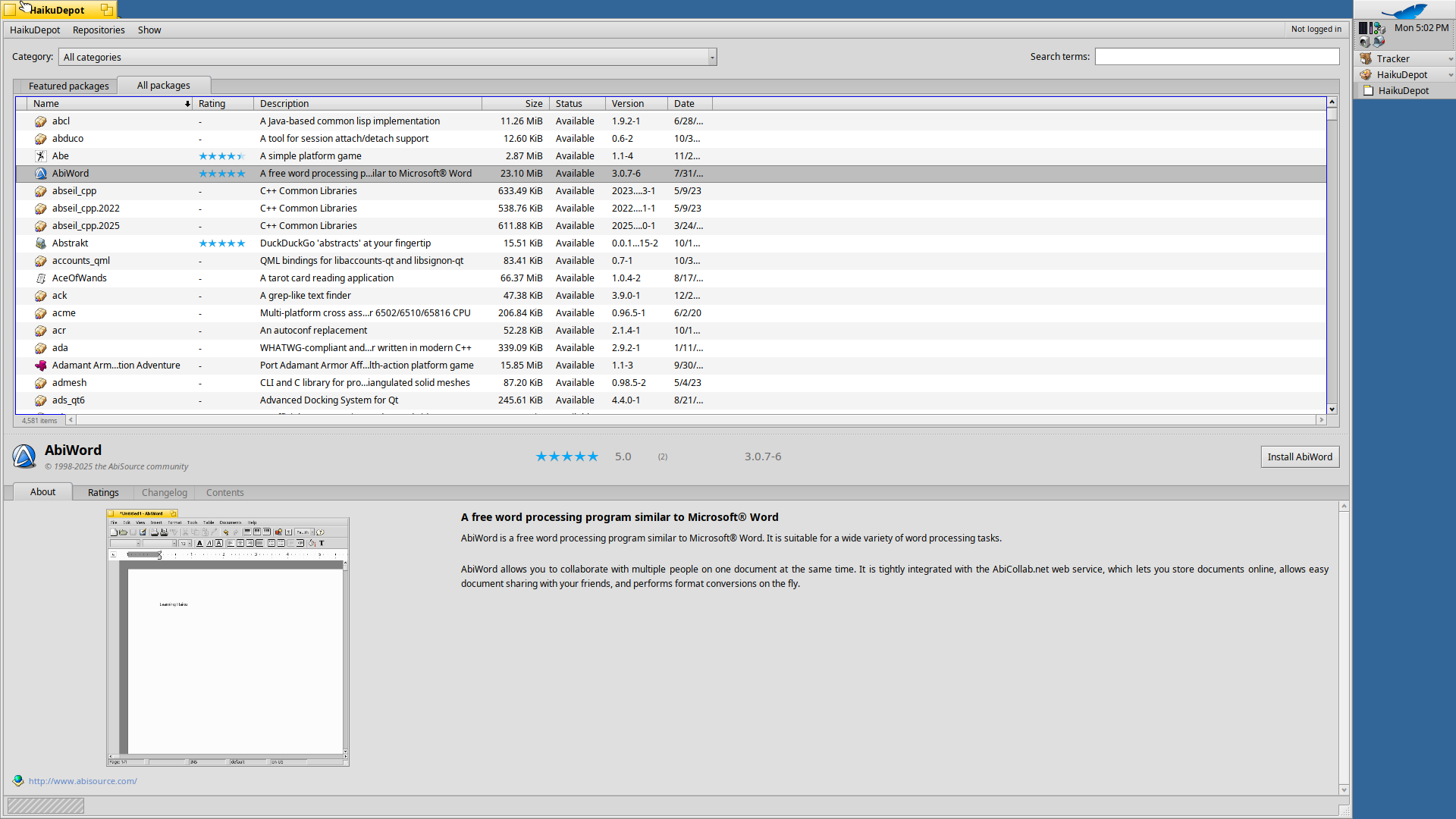
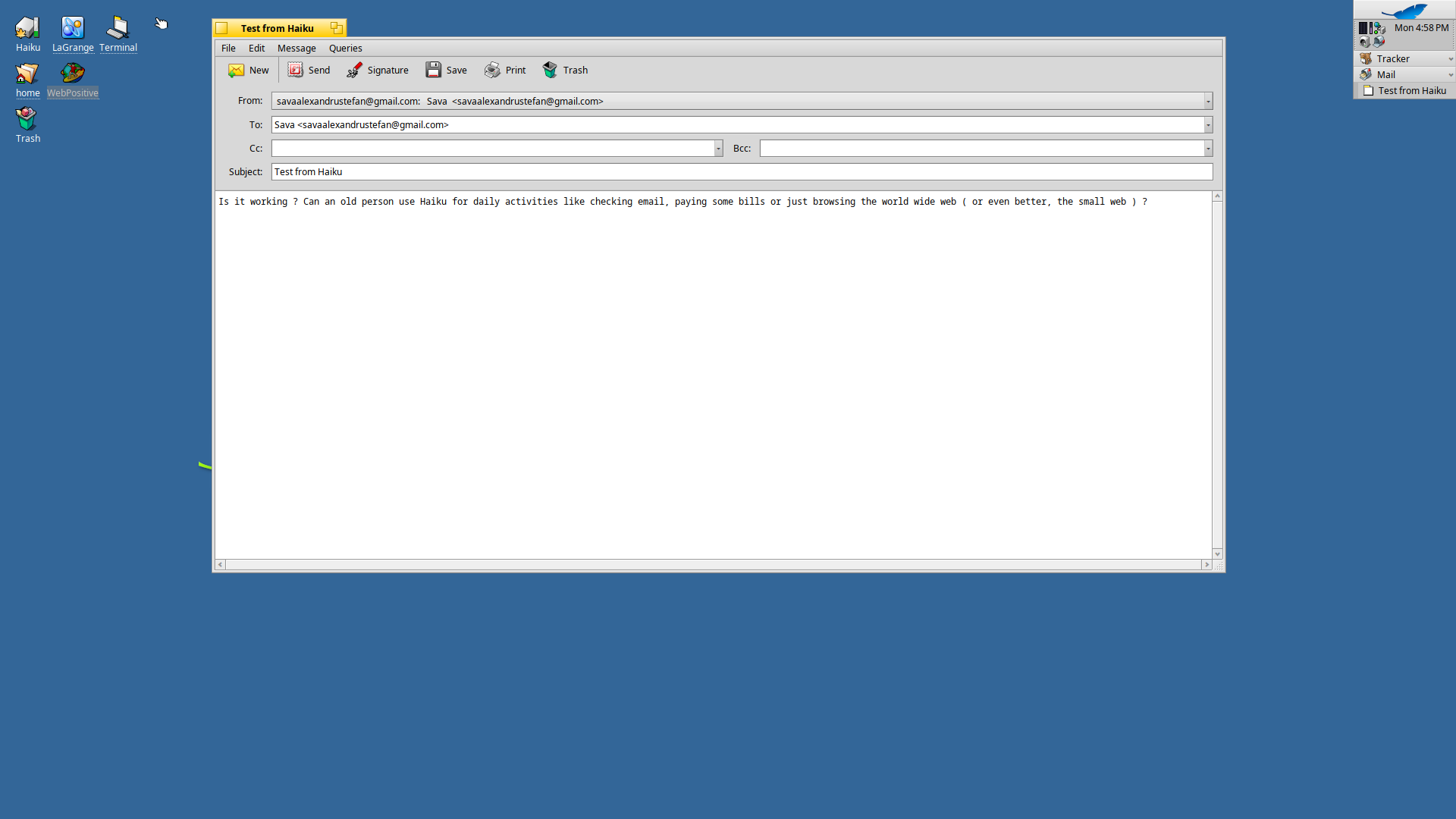
HaikuOS - Lagrange (for gemini:// and gopher://)
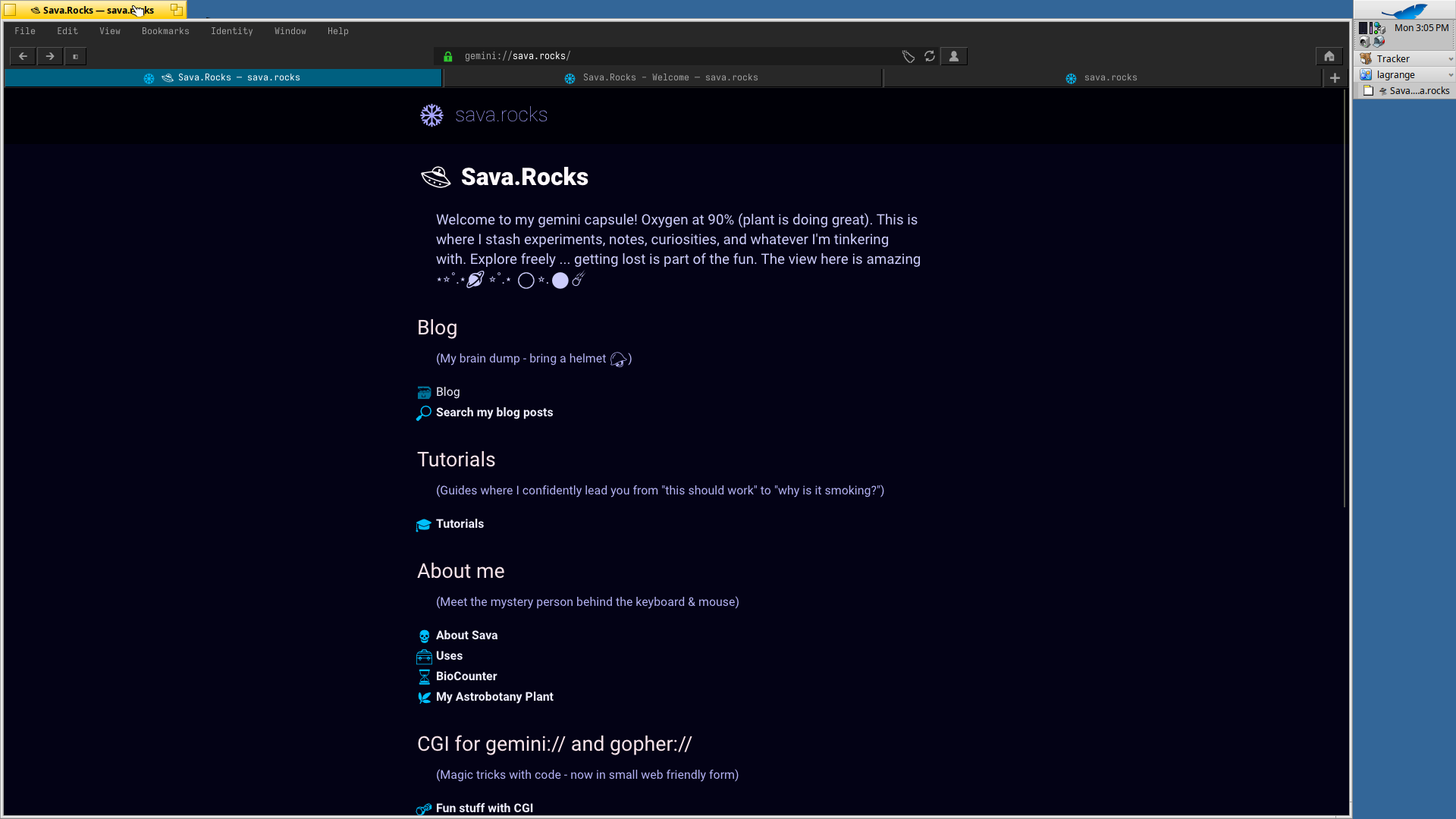

HaikuOS - Browse the web with Web Positive
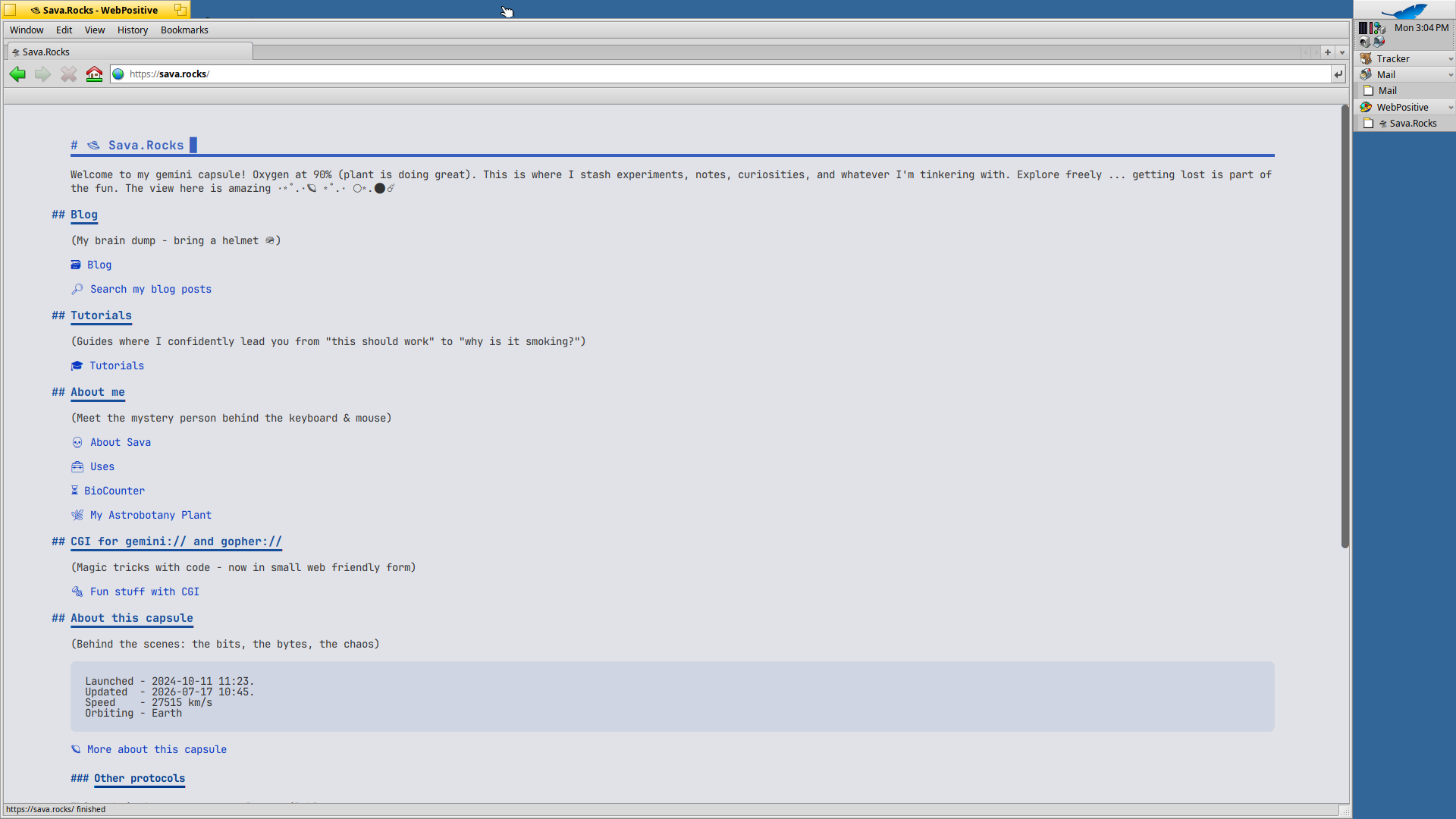
And yes, there is a web browser.
WebPositive is included and is perfectly capable of browsing a reasonable portion of the modern web. There are also alternative browsers available through Haiku's software ecosystem.
Who is this for?
I'd recommend trying Haiku on an old computer if you want to use it for things like:
- writing
- reading
- basic web browsing - online shopping, paying bills, etc.
- playing local music and videos
- experimenting with a different operating system
- giving an old laptop to someone who doesn't need a modern Windows machine
It is also a wonderfully weird way of getting a computer back into service.
And sometimes that's the entire point.
That old computer doesn't need to become a server. It doesn't need to run Kubernetes. It doesn't need to host your personal Gitea instance.
Sometimes it just needs to boot, show a desktop, and be useful again for basic everyday tasks.