Living in the terminal
📆 2026-05-06 09:13
There is something oddly comforting about software that does not beg for attention with:
- badges
- animations
- floating buttons asking to upgrade
- clunky UIs that take centuries to load
A terminal brings:
- text
- keybindings
- and a blinking cursor.
For years I treated the terminal like a utility closet: a place to run commands and, more often than not, break things. Once I began to understand what pure text can do, the terminal feels more like home.
There are a lot of things that a terminal can do, keeping in mind most of it is text. In this post I will show you how easy it is to manage your files, chat, email, edit files, listen to music and organize - all within your terminal.
File management: yazi
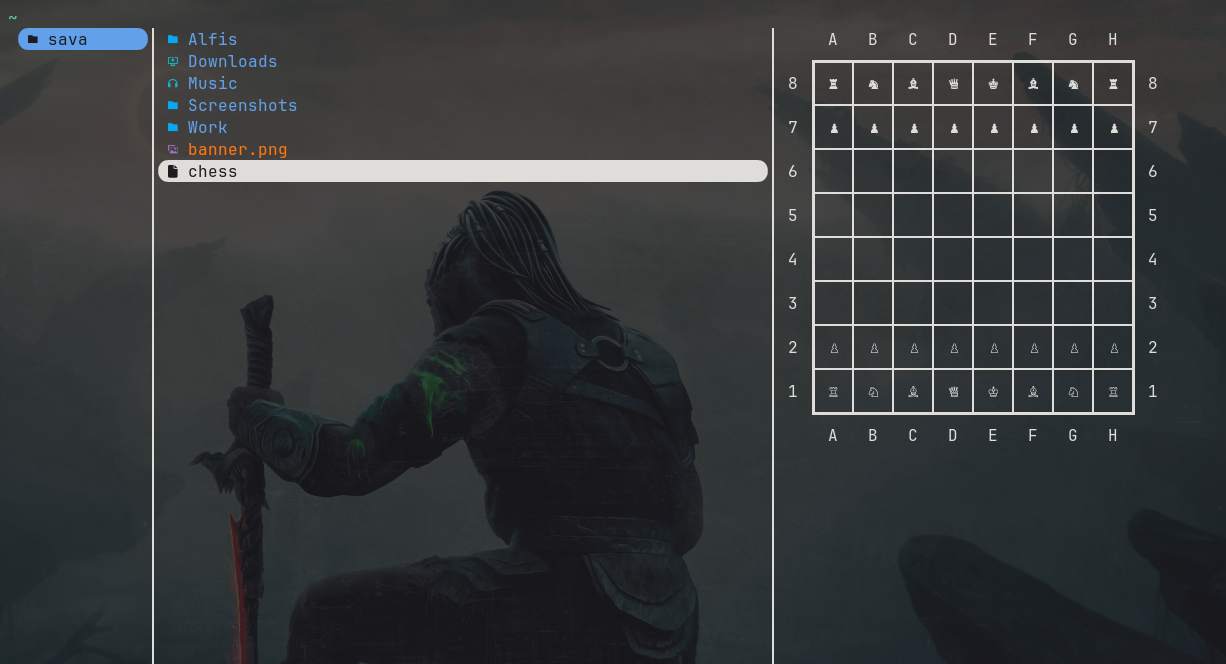
Yazi makes moving through files feel fast in a way graphical file managers rarely do. Jumping across directories, previewing files (even images if you are using kitty), bulk renaming, opening archives is all easily done without touching the mouse.
It feels less like "managing files" and more like thinking in paths.
chat: weechat
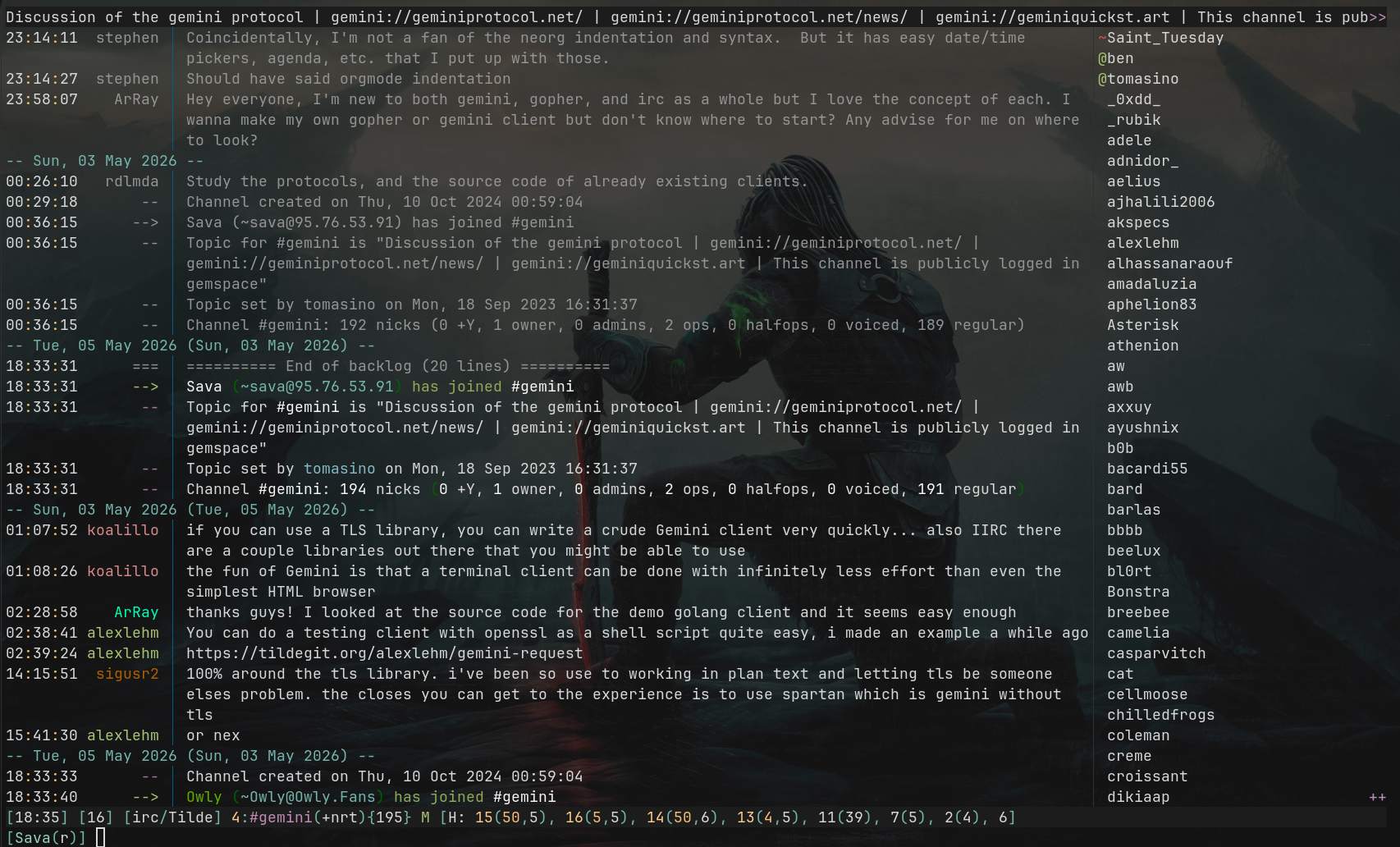
Weechat is not trying to be a social experience. It is an efficient pipe for conversation with notifications if you want them. Yes, WeeChat can connect to XMPP and many other chat protocols in addition to IRC. While WeeChat is primarily known as an IRC client, its modular architecture allows it to support other protocols through plugins and scripts. Open weechat and type
to see the current 322 scripts at the time of writing this post (2026-05-03 - 2026-05-06).
mail: aerc
E-mail is already text. Rendering it inside a browser-like interface always felt slightly absurd, or maybe, to much. Aerc respects that. Multiple accounts, threads, patches, vim-like workflows. Composing mail in your editor is still one of the better ways to write. And if your editor is not vim, keep on reading.
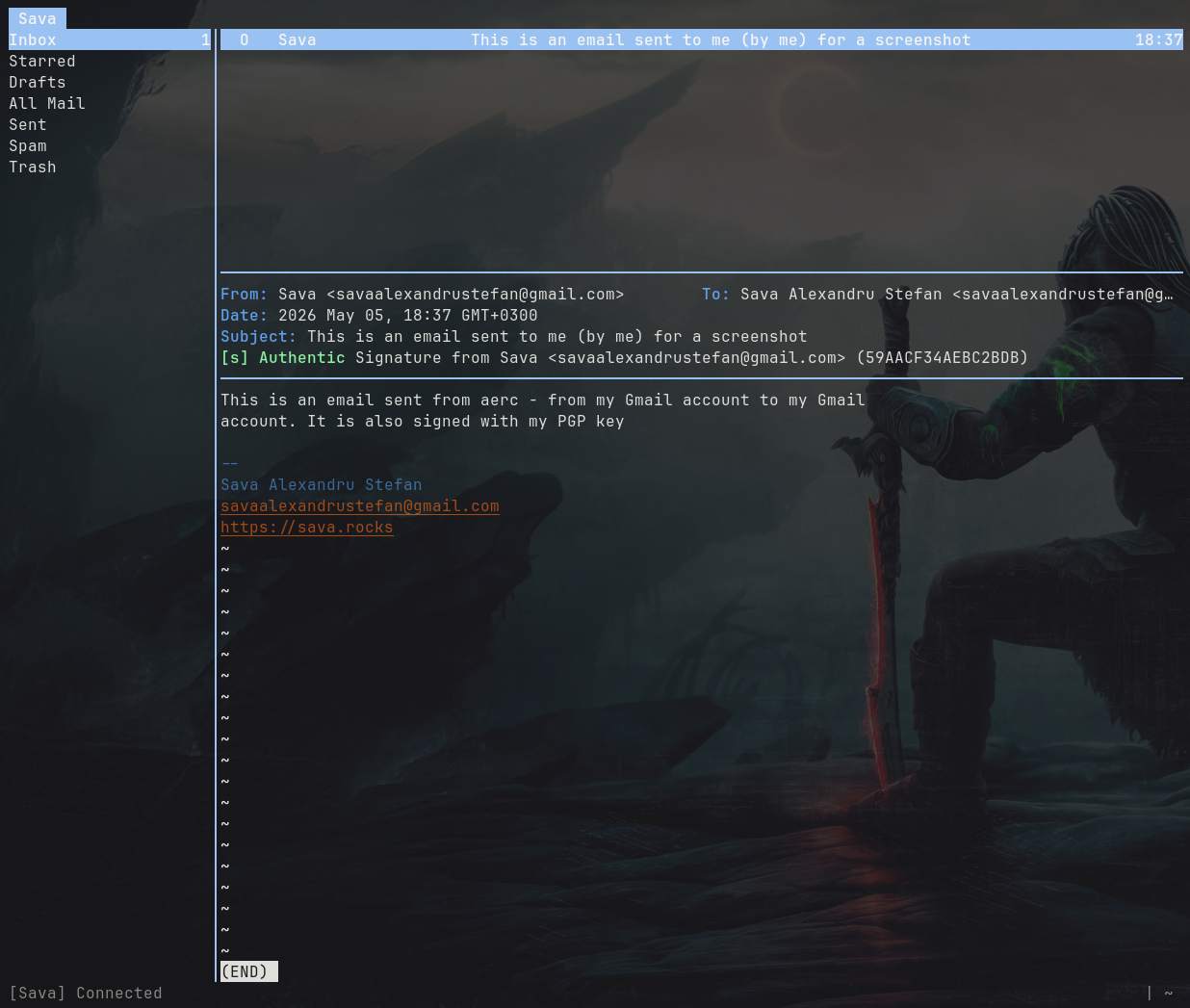
Read my post on how I setup aerc with my Gmail account:
Email with aerc, pass, gpg and khard - Modern Email in the Terminal
editing: vim
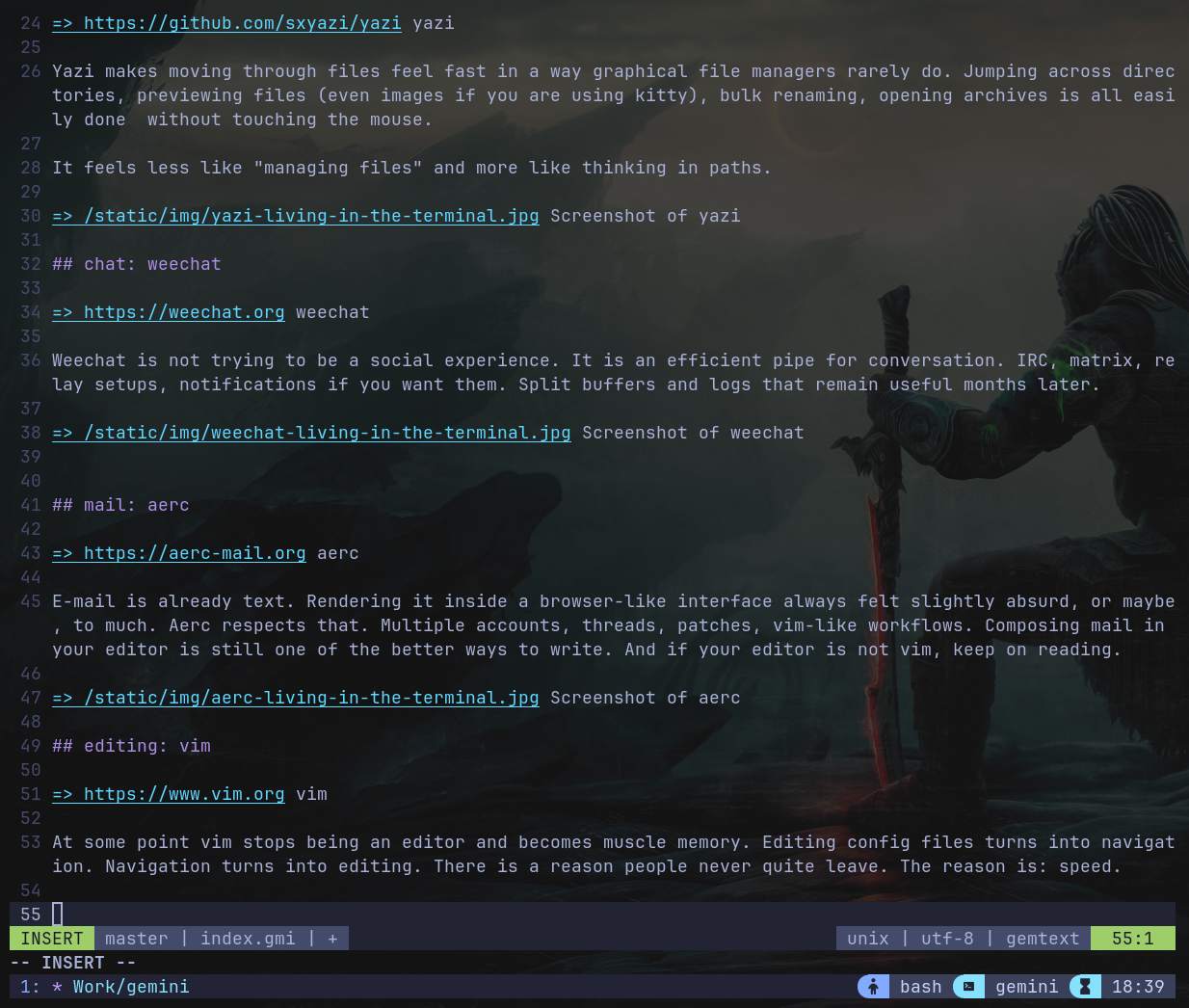
At some point vim stops being an editor and becomes muscle memory. Editing config files turns into navigation. Navigation turns into editing. Vim is often mocked as an ancient trap for users who can't figure out how to quit, but this frustration ignores its true power. While critics laugh at its steep learning curve, they miss that Vim is actually a language for editing. By treating keystrokes as "verbs" and "nouns," it allows you to manipulate text with surgical precision and speed. Those who dismiss it as outdated usually haven't experienced the fluidity of "flow" that comes when your hands never have to leave the home row to reach for a mouse.
music: ncmpcpp
ncmpcpp connected to mpd is one of the cleanest music setups available. Library browsing, playlists, visualizers, lyrics, metadata editing. Music without recommendation algorithms hovering nearby. Just your library, organized how you want it. You can view a screenshot below or read my post on how I listen to music from my tiny server using mpd and ncmpcpp:
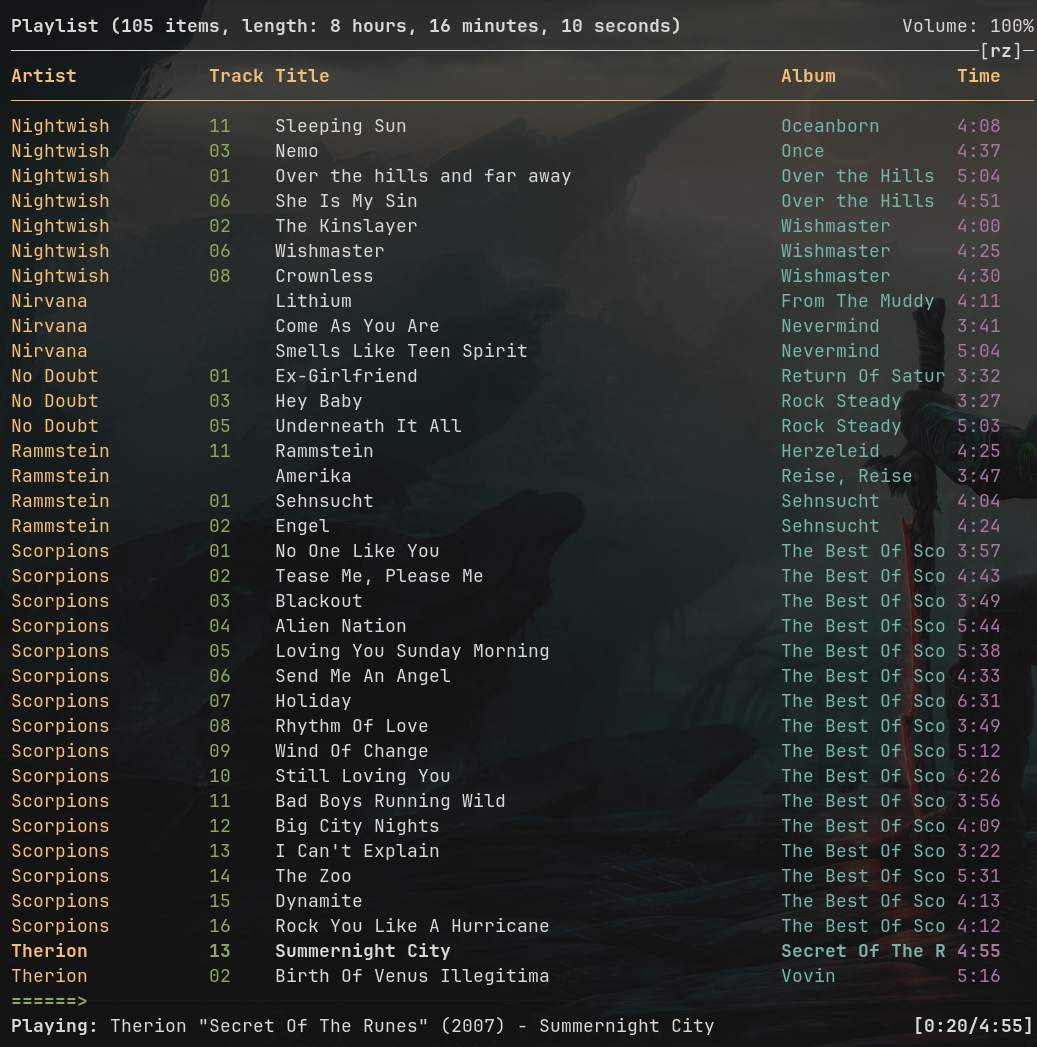
🎵 Listening to Music From My Tiny Server
tasks: todo.txt
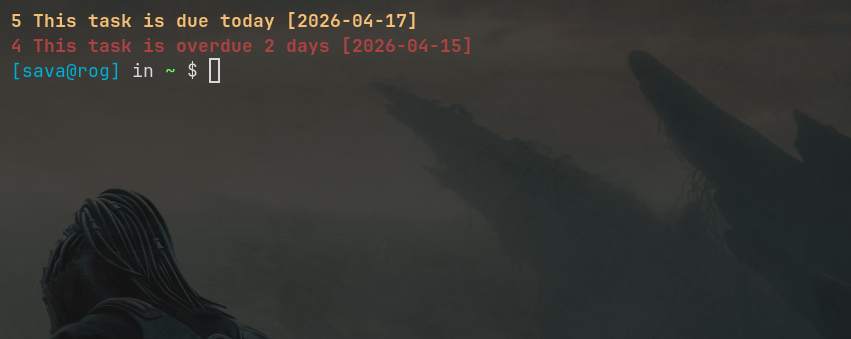
A task manager can be a plain text file. That is still slightly radical. todo.txt keeps things embarrassingly simple: priorities, contexts, projects, done. You can view screenshots below or read my post on how I use todo.txt:
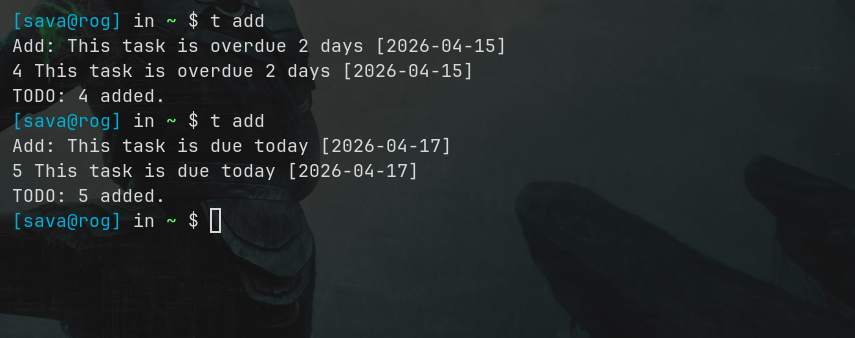
Screenshot showing overdue tasks
Staying Organized with todo.txt and the todo CLI
Why is the terminal still important
The terminal is not nostalgia. It is a place where software can still be small, understandable, and enough. Beyond file management, chat, mail, editing, music, and task tracking, the terminal can become an entire working environment: development, system monitoring, backups, container management, note-taking, automation, media processing, even controlling remote machines halfway across the world. With a few well-chosen programs and some shell scripts, repetitive tasks disappear into aliases, cron jobs, and tiny workflows built exactly the way you want them.