Split View and Outline Button
If you build Alhena from source and you'd like to help test, I just checked in extensive changes for Split View functionality. It's more like Chrome's Split View than Lagrange. There's a divider that can be dragged to resize the horizontal or vertical views. Tabs can contain split views and different tabs can contain views with different orientations. The address/toolbar is shared with the selected document like Chrome. Right-click a link to "Open Right" or "Open Bottom". Once in a Split View, a right-click will instead present "Open Opposite". There are also Split View options in the View menu.
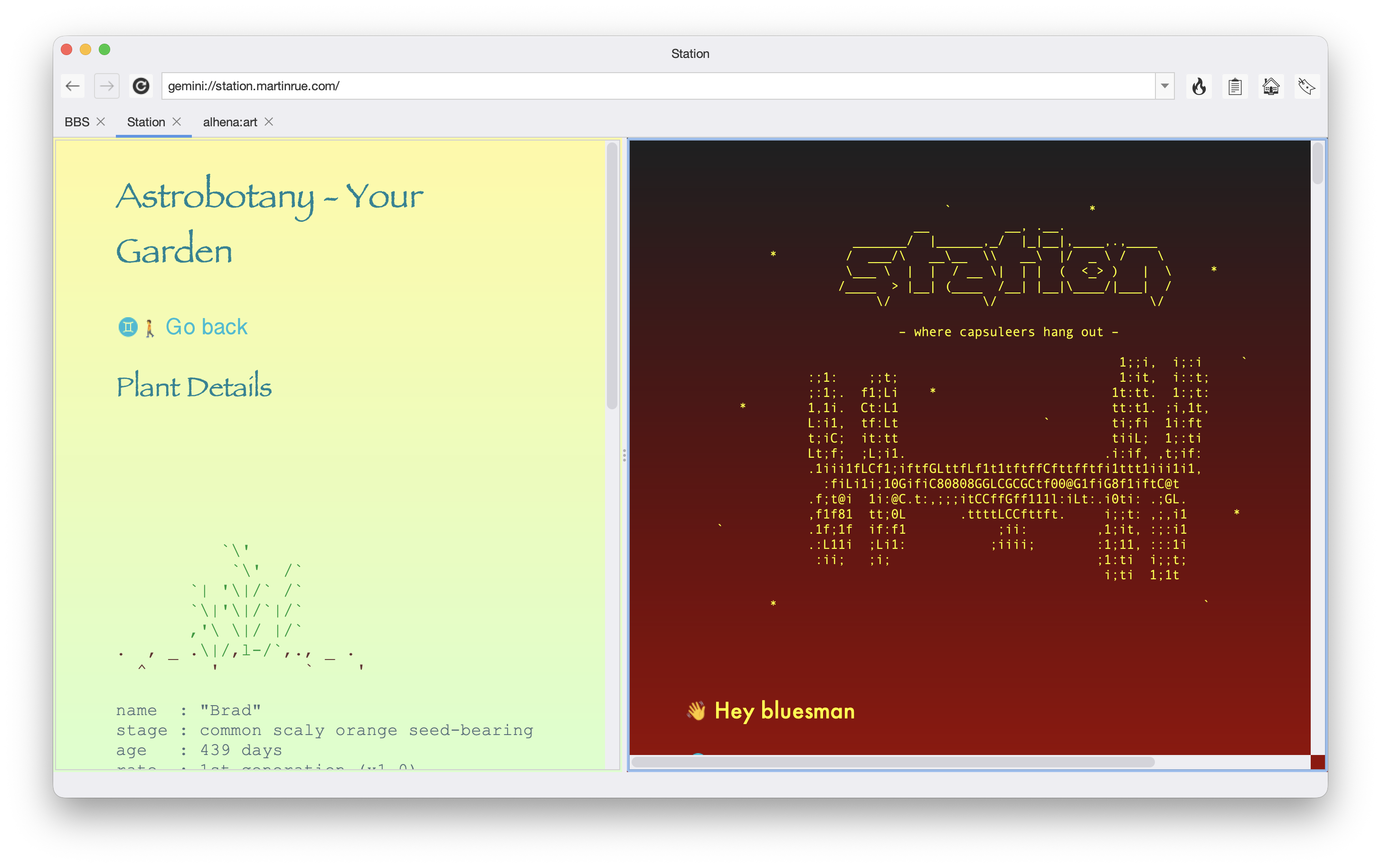
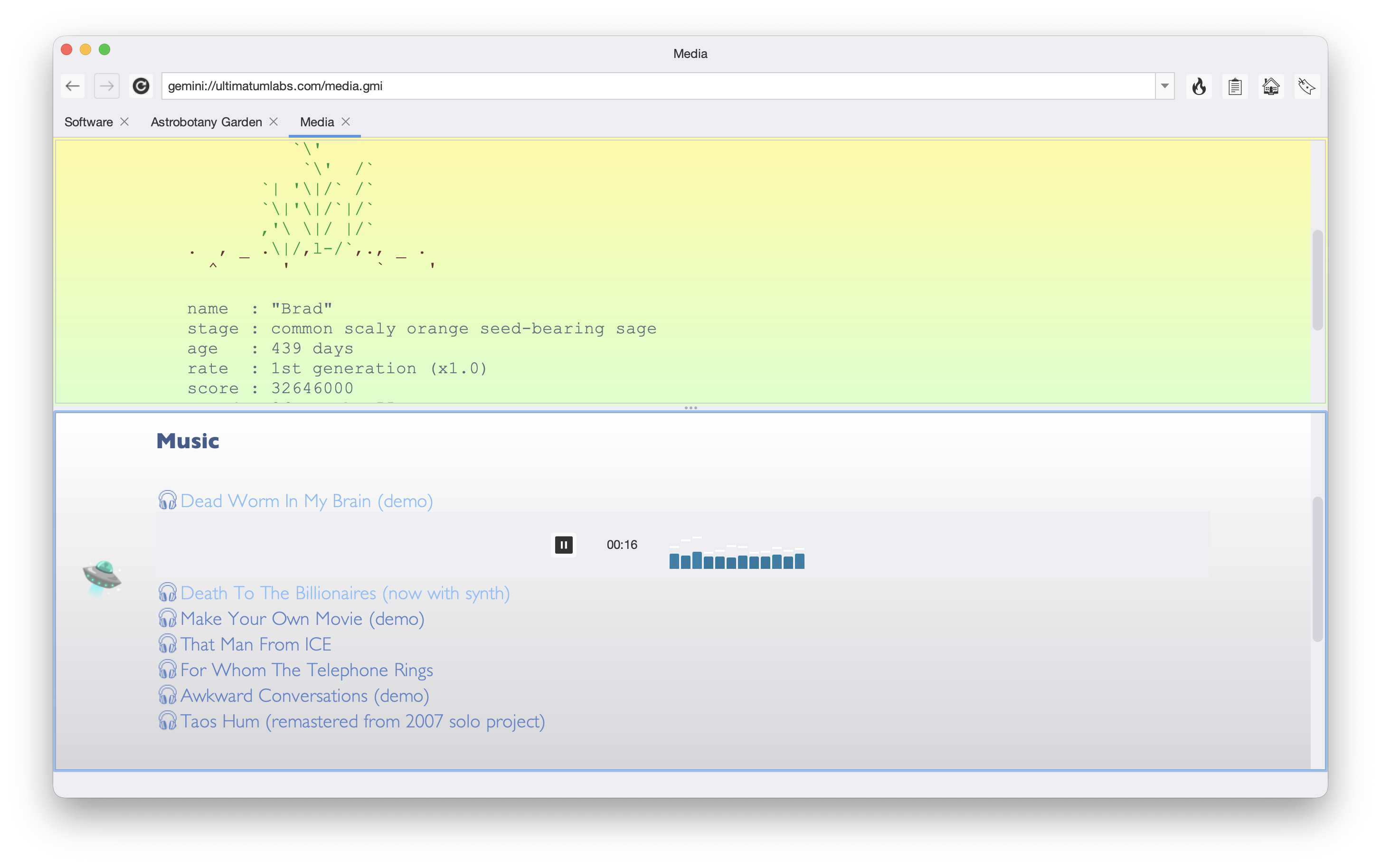
This version also has a new Outline Button that will scroll directly to a selected header and the Hot Button can be configured to show the contents of a Bookmark folder instead of the Top 20. You can also Press G to open link shortcuts that simulate a right-click (unlike the left-click when using SHIFT+CTRL or F).
A lot of work went into the Split View functionality so it may have to ferment a bit before I make an official release. Again, if you happen to build from source, give it a try and let me know if you find any bugs or feel I missed something.
Mar 31 · 5 weeks ago · 👍 darkghost