Bash Golf Part 3
Published at 2023-12-10T11:35:54+02:00
This is the third blog post about my Bash Golf series. This series is random Bash tips, tricks, and weirdnesses I have encountered over time.
2023-12-10 Bash Golf Part 3 (You are currently reading this)
Table of Contents
- ⇢ Bash Golf Part 3
- ⇢ ⇢ `FUNCNAME`
- ⇢ ⇢ `:(){ :|:& };:`
- ⇢ ⇢ Inner functions
- ⇢ ⇢ Exporting functions
- ⇢ ⇢ Dynamic variables with `local`
- ⇢ ⇢ `if` conditionals
- ⇢ ⇢ Multi-line comments
- ⇢ ⇢ Don't change it while it's executed
`FUNCNAME`
`FUNCNAME` is an array you are looking for a way to dynamically determine the name of the current function (which could be considered the callee in the context of its own execution), you can use the special variable `FUNCNAME`. This is an array variable that contains the names of all shell functions currently in the execution call stack. The element `FUNCNAME[0]` holds the name of the currently executing function, `FUNCNAME[1]` the name of the function that called that, and so on.
This is particularly useful for logging when you want to include the callee function in the log output. E.g. look at this log helper:
The output is as follows:
`:(){ :|:& };:`
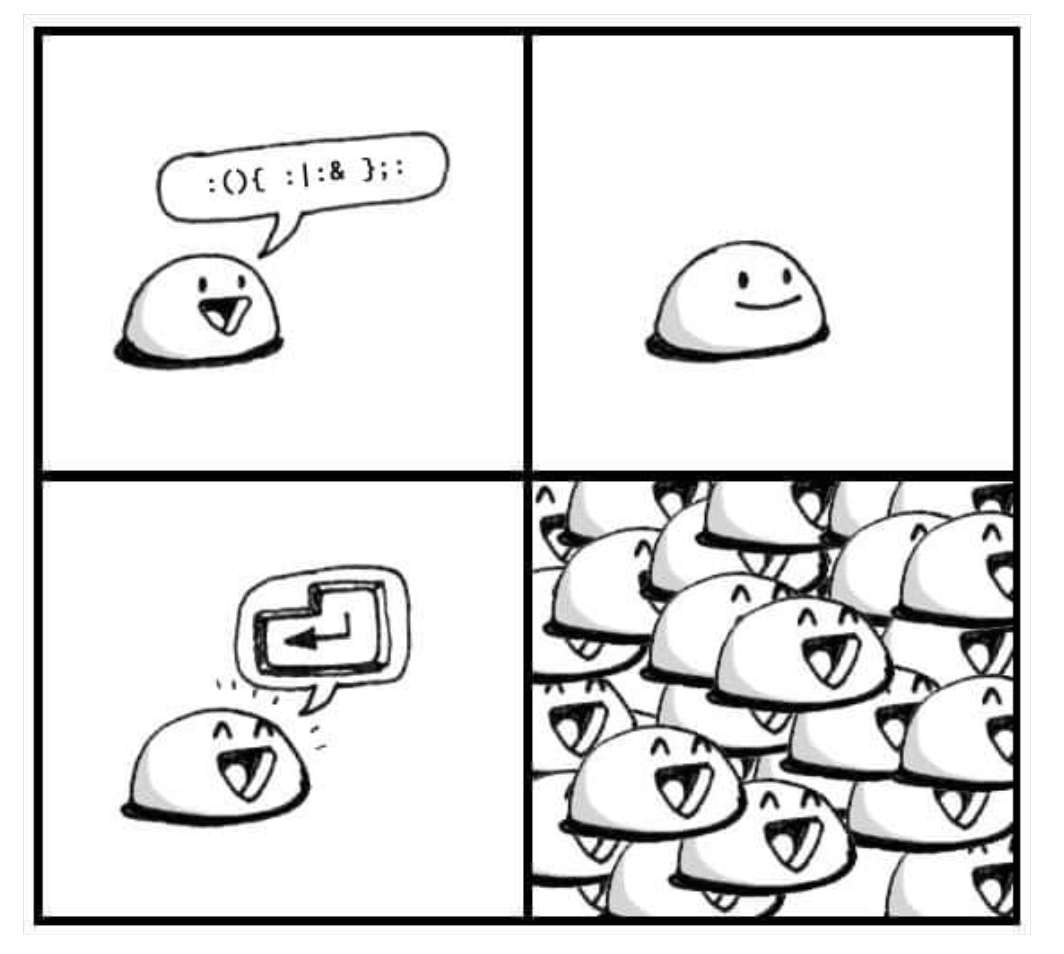
This one may be widely known already, but I am including it here as I found a cute image illustrating it. But to break `:(){ :|:& };:` down:
- `:(){ }` is really a declaration of the function `:`
- The `;` is ending the current statement
- The `:` at the end is calling the function `:`
- `:|:&` is the function body
Let's break down the function body `:|:&`:
- The first `:` is calling the function recursively
- The `|:` is piping the output to the function `:` again (parallel recursion)
- The `&` lets it run in the background.
So, it's a fork bomb. If you run it, your computer will run out of resources eventually. (Modern Linux distributions could have reasonable limits configured for your login session, so it won't bring down your whole system anymore unless you run it as `root`!)
And here is the cute illustration:
Inner functions
Bash defines variables as it is interpreting the code. The same applies to function declarations. Let's consider this code:
And let's execute it:
What happened? The first time `inner` was called, it wasn't defined yet. That only happens after the `outer` run. Note that `inner` will still be globally defined. But functions can be declared multiple times (the last version wins):
And let's run it:
Exporting functions
Have you ever wondered how to execute a shell function in parallel through `xargs`? The problem is that this won't work:
We try here to run ten parallel processes; each of them should run the `some_expensive_operations` function with a different argument. The arguments are provided to `xargs` through `STDIN` one per line. When executed, we get this:
There's an easy solution for this. Just export the function! It will then be magically available in any sub-shell!
When we run this now, we get:
If `some_expensive_function` would call another function, the other function must also be exported. Otherwise, there will be a runtime error again. E.g., this won't work:
... because `some_other_function` isn't exported! You will also need to add an `export -f some_other_function`!
Dynamic variables with `local`
You may know that `local` is how to declare local variables in a function. Most don't know that those variables actually have dynamic scope. Let's consider the following example:
Let's pause a minute. What do you think the output would be?
Let's run it:
What happened? The variable `foo` (declared with `local`) is available in the function it was declared in and in all other functions down the call stack! We can even modify the value of `foo`, and the change will be visible up the call stack. It's not a global variable; on the last line, `echo "$foo"` echoes the global variable content.
`if` conditionals
Consider all variants here more or less equivalent:
The output we get is:
Multi-line comments
You all know how to comment. Put a `#` in front of it. You could use multiple single-line comments or abuse heredocs and redirect it to the `:` no-op command to emulate multi-line comments.
I will not demonstrate the execution of this script, as it won't print anything! It's obviously not the most pretty way of commenting on your code, but it could sometimes be handy!
Don't change it while it's executed
Consider this script:
When it is run, it will do:
So what happened? The `echo baz` line was appended to the script while it was still executed! And the interpreter also picked it up! It tells us that Bash evaluates each line as it encounters it. This can lead to nasty side effects when editing the script while it is still being executed! You should always keep this in mind!
E-Mail your comments to `paul@nospam.buetow.org` :-)
Other related posts are:
2023-12-10 Bash Golf Part 3 (You are currently reading this)
2021-06-05 Gemtexter - One Bash script to rule it all